
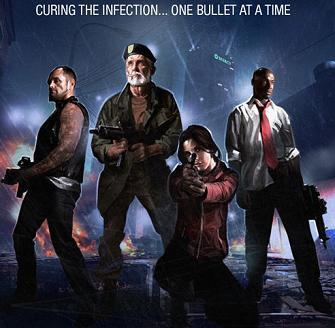
Here you will find a list of cheat codes for Left 4 Dead on PC (and one for Xbox 360).
First you must activate the Developers Console: you do this at the main menu, select “Options,” then “Keyboard/Mouse.” Enable “Allow Developers Console.”
Developers Console Cheats: While playing the game on any difficulty level, press the tilde key (which looks like ~ on your keyboard) to display the console window. After you enable the cheat console, type “Sv_Cheats 1” and then press ENTER. This will enable the cheat mode. After that enter the following codes and hit ENTER to activate them. Note that you can do this not only in single player, but in multiplayer as well, but in that case the server you are playing on needs to have Sv_Cheats set to “1” and only the owner of the server can do that.
The code is followed by — Its effect on the game.
* changelevel [map name] — Quick change map.
* give ammo — Full Ammunition.
* give pistol — Get Pistol, or alternatively get autoshotgun, rifle, hunting_rifle, moltov, pipe_bomb, first_aid_kit, pain_pills, gascan, oxygen_tank, propane_tank.
* god — Invincibility.
* noclip — Toggles No Clipping Mode.
* sv_infinite_ammo 1 — Unlimited Ammunition.
* z_spawn weapon_SMG — Gives you the SMG.
* z_spawn [NPC name] — Spawn indicated NPC type, their names are mob, witch, tank, boomer, smoker, hunter.
Watch the Left 4 Dead cheats being entered into the main game using the developer console.
There’s also an Xbox 360 version cheat that gives you invincibility while reloading: You must hold the LT + B buttons to knock back attacking zombies while reloading your gun.